In Loop by Cuemill, personas are your alternative or presumed identities. To prevent abuse, use of personas is allowed in three specific ways. To connect with someone or to join a certain type of group through a persona, some type of physical interaction is necessary between the connecting parties or administrator(s) to ensure that each party’s identity is known to the other or to an administrator.
- Privacy: When visitors tap on your device to communicate with you, you can use a persona to communicate with them to protect your identity. For example, instead of using your main profile—which reveals your real name—you can use a persona called homeowner to communicate with visitors at your front door.
- Organize contacts naturally: Perhaps you’re Dave to your family, David Thomas to your friends, and Professor David Thomas to your professional contacts. Then, for example, if you had setup your main profile for David Thomas, you could create two personas, one called Dave and another called Prof. David Thomas. You can connect with your family as Dave and with your professional contacts as Prof. David Thomas. (PS: Currently, in pre-release.)
- For fun: For social interactions, you can create several types of groups in the Loop by Cuemill App. On type in particular, Proximity Group, is joined when people tap on a Group device with their smartphone. For example, as a wedding host, you might setup some Group devices for a group you created for the wedding guests, who can tap one such device to join the wedding (proximity) group. You can choose to allow the guests to join this group via their main profile or through a persona. Since the hosts are expected to know everybody at the event, the chances of abuse are minimal. And, where you do not recognize someone, as administrator, you can remove them from the group.
How to add a persona?
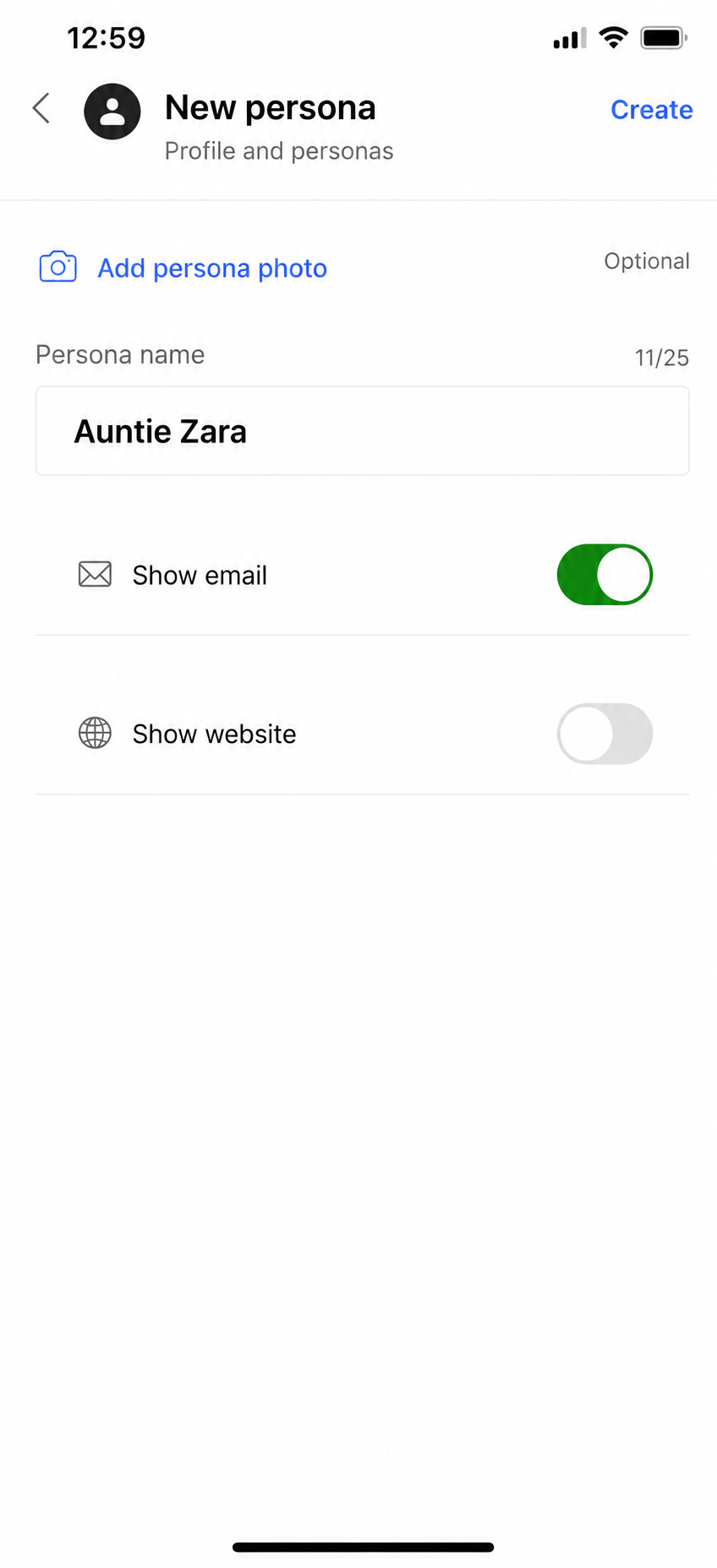
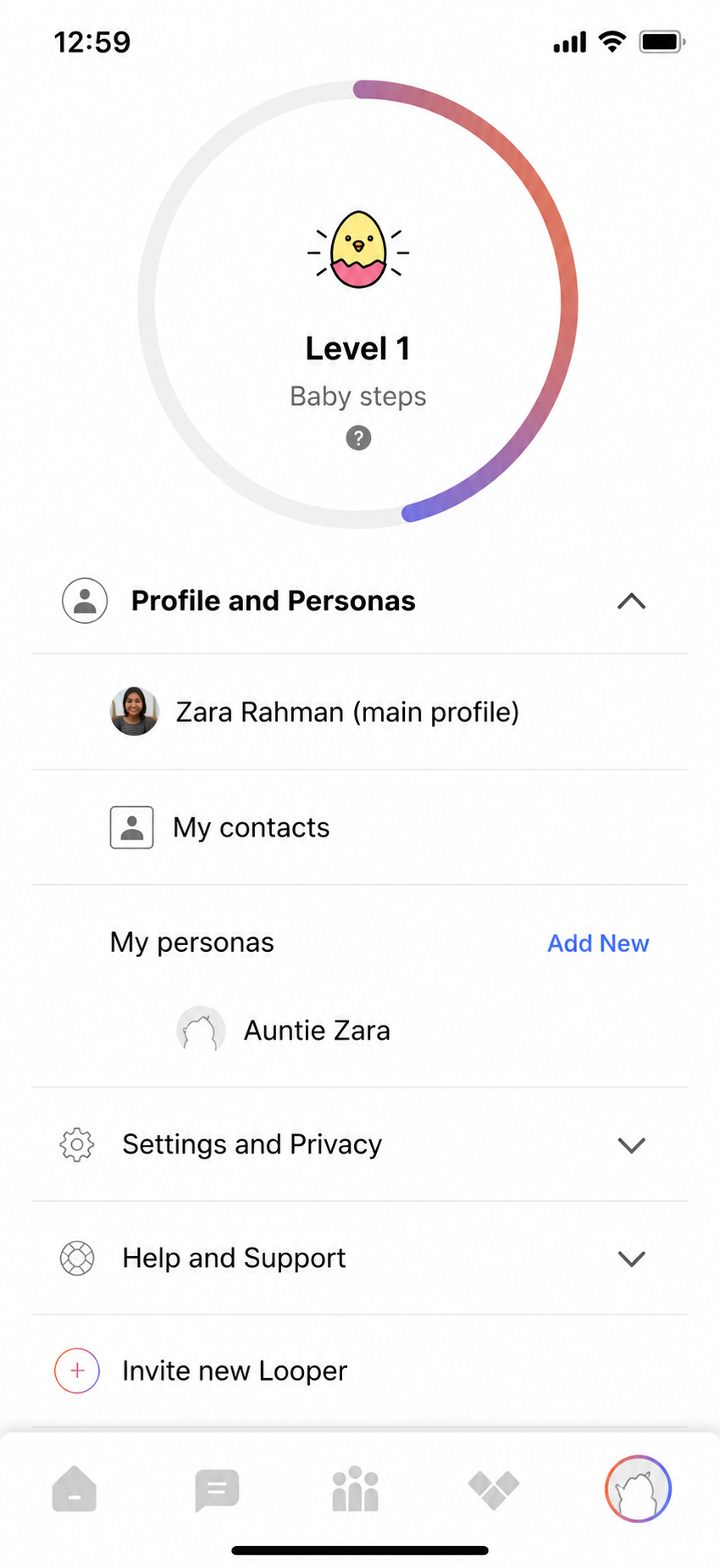
From the Home tab select Profile and personas and click on Add New against My personas. Type is a name, upload an optional photo, enable any attributes you want to associate with this persona, and click Create in the top right.